
Using Microsoft 365 Business Standard
But Still Exposed to Data Risks?
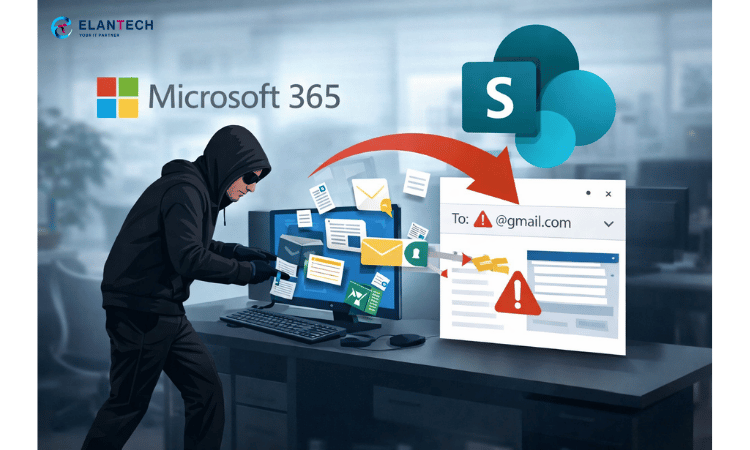
Many organisations in Malaysia use Microsoft 365 Business Standard for email and basic productivity, yet leave critical features like SharePoint governance, access control, and data protection unused. This creates silent risks such as data leaks, ex-employee access, and zero visibility over company files.
Is This Relevant for Your Organisation?
Organisations that already use Microsoft 365 Business Standard and want to ensure their data is properly managed and protected.
It is relevant if:
- Your company has shared files across departments
- Staff regularly share documents externally
- You are unsure who can access sensitive data
- Former employees previously had access to company files
- Management assumes Microsoft 365 is “secure by default”
Are You Actually Using Business Standard Properly?
- Do you know where your company data is stored?
- Can staff freely share files outside the organisation?
- Do ex-employees lose access immediately?
- Is SharePoint structured by department and ownership?
- Can management review who accessed sensitive files?
- Do users understand when to use OneDrive vs SharePoint?
If you are unsure about more than two of these, your Microsoft 365 environment is under-optimised and exposed.
What You Already Pay for with Business Standard
Microsoft 365 Business Standard already includes powerful capabilities such as:
SharePoint Online for structured company file storage
OneDrive with version history and access control
Microsoft Teams collaboration with shared file storage
Basic audit and activity visibility
Permission-based access management
These tools do not protect your organisation automatically. Without proper setup and governance, they create false confidence rather than real security.
Real Risks Caused by Poor Configuration
In many organisations, we frequently see:
Staff emailing sensitive files externally
Client or HR data stored in personal OneDrive accounts
SharePoint folders shared without control
Ex-employees retaining access through sync or shared links
Management unable to confirm what data was accessed during incidents
These issues are not licensing problems. They are governance and usage problems.


Microsoft 365 Business Standard Optimisation & Training
This is a professional service designed for organisations, not individual users.
What We Deliver:
Review of your current Microsoft 365 setup
Identification of security and governance gaps
SharePoint structure and access best practices
Guidance on external sharing and offboarding controls
Organisation-wide usage training
Clear optimisation roadmap
This service focuses on maximising what you already own, without forcing unnecessary license upgrades.
Setup & Organisation Training Enquiry Form
Looking for other Microsoft 365 licenses?
ELANTECH also offer M365 Business Basic, M365 Business Premium, M365 E3, E5 & many other
Frequently Asked Questions (FAQ)
No. Microsoft 365 Business Standard does not include automated data leak prevention. It relies on manual configuration, user behaviour, and governance processes. Without proper setup and oversight, data can still be overshared or accessed inappropriately.
The most common risks include uncontrolled external file sharing, ex-employee access, personal OneDrive usage for company data, email forwarding to external addresses, and lack of visibility over who accessed sensitive files.
Sensitivity labels in Business Standard are used for classification and awareness only. They do not automatically encrypt files, block sharing, or enforce protection. Automation and enforcement require higher-tier licenses.
Initial configuration is one-time, but people, access, sharing behaviour, and business needs change continuously. Without ongoing governance, configurations drift and new risks appear over time.
Yes, but only when it is properly configured, governed, and supported by clear usage rules and training. Without this, Business Standard creates a false sense of security.
Yes, but only through a strict manual offboarding process. There is no automation to enforce this automatically.
Yes, basic audit logs are included. They provide limited visibility into sign-ins, file access, and sharing activity. However, these logs must be reviewed manually and are not monitored automatically.
Most organisations are not trained on the difference between personal storage and shared company storage. Without guidance, staff store sensitive data in the wrong places and share files without understanding the risks.
Yes. In Business Standard, security depends heavily on user behaviour. Training reduces human-error-based data leaks by teaching staff where to store files, how to share safely, and what should never be emailed.
When automated data protection, advanced DLP, or policy-based enforcement is required. Many organisations start with proper governance on Business Standard before upgrading to Business Premium or Microsoft Purview.