Microsoft 365 Data Loss Prevention (DLP)
Microsoft 365 Data Loss Prevention (DLP) helps organisations prevent sensitive business data from being shared accidentally or inappropriately through email, file sharing, and collaboration tools. When implemented correctly, DLP reduces the risk of data leaks without disrupting how employees work day to day.
What Is Microsoft Data Loss Prevention
Microsoft Data Loss Prevention (DLP) is a security capability that detects, monitors, and controls how sensitive information is used and shared inside your Microsoft 365 environment.
In simple terms, DLP helps prevent situations like:
- Staff accidentally emailing employee IC or passport details
- Finance data being shared externally without approval
- HR documents uploaded to the wrong SharePoint site
- Sensitive files downloaded to personal devices
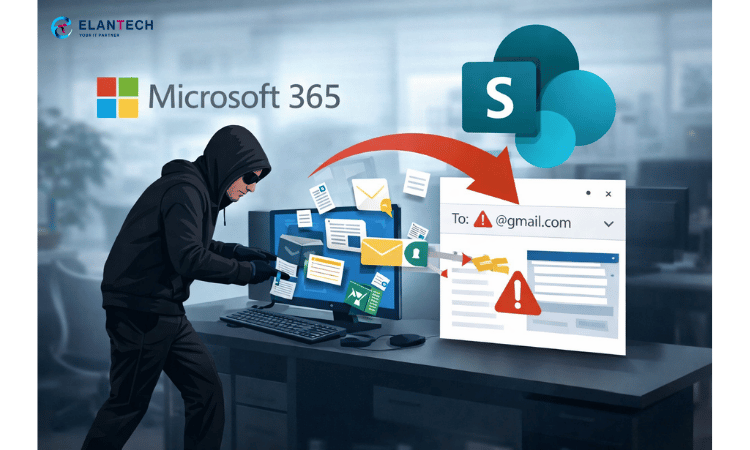
Data Loss Prevention for Small Businesses
Small and medium-sized businesses are often more vulnerable to data loss than large enterprises.
Common reasons include:- No dedicated security or compliance team
- Heavy reliance on email and file sharing
- HR and finance data stored in shared folders
- Staff unaware of compliance risks
Microsoft Data Loss Prevention Policy Example
HR Case Study
Consider a typical HR scenario where employee documents containing identification numbers and personal details are frequently shared via email.
Without DLP, these files may be sent externally by mistake, exposing the organisation to legal and compliance risks. With a properly designed DLP policy, Microsoft 365 can automatically detect sensitive data patterns, warn the sender before transmission, and block external sharing when risk thresholds are exceeded.
As a result, sensitive HR information remains protected, employees become more aware of data handling responsibilities, and compliance teams gain visibility through audit logs.
Finance Case Study
A finance team regularly sends invoices, bank details, and payment reports via email. One wrong attachment can expose sensitive financial data externally.
With Microsoft 365 DLP, policies detect bank account numbers, financial keywords, and structured spreadsheet data. When high-risk content is identified, users receive a warning or the email is blocked automatically.
This reduces accidental data exposure while maintaining normal finance operations and audit visibility through Microsoft Purview.
Management & Confidential Documents
Senior management frequently shares contracts and strategic documents internally and externally. Accidental sharing of confidential files can impact negotiations and compliance.
DLP policies monitor contract-related keywords, restrict risky external sharing, and apply stricter controls to executive accounts. Instead of blocking everything, rules are tuned by sensitivity level.
The result is controlled document governance without slowing down leadership workflows.
Microsoft 365 DLP Protection Level by License
Microsoft 365 Data Loss Prevention (DLP) capabilities vary depending on your license tier. The table below provides a simplified comparison of protection coverage across common Microsoft 365 plans.
| Protection Area | Business Standard | Business Premium | E3 / E5 |
|---|---|---|---|
| Email DLP (Exchange Online) | Basic sensitivity detection | Advanced policy control | Advanced + enhanced auditing |
| SharePoint & OneDrive DLP | Limited control | Full DLP policy support | Full + advanced reporting |
| Microsoft Teams DLP | Limited | Supported | Supported + extended monitoring |
| Custom DLP Policies | Basic templates only | Custom rule configuration | Advanced granular conditions |
| Sensitive Information Types | Standard built-in types | Built-in + custom configuration | Built-in + advanced classifiers |
| Policy Tips (User Warnings) | Limited | Yes | Yes + enhanced user awareness |
| External Sharing Controls | Basic | Advanced conditional controls | Advanced + insider risk integration |
| Audit & Incident Reporting | Standard logs | Extended logs | Advanced audit & investigation tools |
| Auto Remediation (Block / Restrict) | Limited | Supported | Fully configurable & enterprise-level |
| Advanced Compliance Features | Not included | Limited | Full Purview compliance suite |
Microsoft 365 DLP Consultation Enquiry
Looking for other Microsoft 365 licenses?
ELANTECH also offer M365 Business Basic, M365 Business Premium, M365 E3, E5 & many other